Browser-based · Public posts · Preview first

Instagram Downloader

Paste a public Instagram link, preview the media, then save it on your device. Pick the focused tool below when you know the format — Reels, photos, carousels, feed video, or audio.

Only openly reachable Instagram links work here—locked accounts stay out of scope.

Want format-specific help? Visit the Reels landing page →

Example: https://www.instagram.com/reel/XXXXXXXXXXX/

Which Asave tool should I use?

A /p/ link can be a single photo, a carousel, or a feed video — preview first or use this table to choose the best starting page.

What you haveURL hintRecommended tool
A Reel (short vertical clip)instagram.com/reel/…Reels downloader
A feed post with one still imageinstagram.com/p/… (single photo in preview)Photo downloader
A feed post with multiple slidesinstagram.com/p/… (swipeable album)Carousel downloader
A feed post or IGTV with videoinstagram.com/p/… or instagram.com/tv/…Video downloader
A Reel soundtrack or audio pageinstagram.com/reel/… or instagram.com/reels/audio/…Audio downloader

When Asave won't work

  • Private accounts and followers-only posts cannot be fetched without an Instagram login.
  • Deleted, expired, or region-blocked media is unavailable once Instagram removes the public stream.
  • Story and highlight URLs are not supported — use a public post or reel link instead.
  • Age-restricted or login-walled content fails the same way it would in a logged-out browser.
  • Fair-use rate limits apply (about 20 link lookups and 60 media downloads per day per connection).

From link to local file

  1. Copy Instagram URL

    On the post you want, open Share and choose Copy link so you have a clean instagram.com address.

  2. Paste URL

    Drop that address into the field at the top of this page—no Instagram password needed.

  3. Preview media

    Hit Download and watch or inspect the result in-browser before you commit storage space.

  4. Download in HD

    Keep the MP4, image, or audio file when the preview looks right; quality mirrors Instagram's public stream.

Browse the blog →

Latest guides

Focused download tools

Same engine, format-specific tips on each page.

Install Asave

Add Asave to your device for one-tap access. No app store required—uses your browser's install flow, with dark mode already built in.

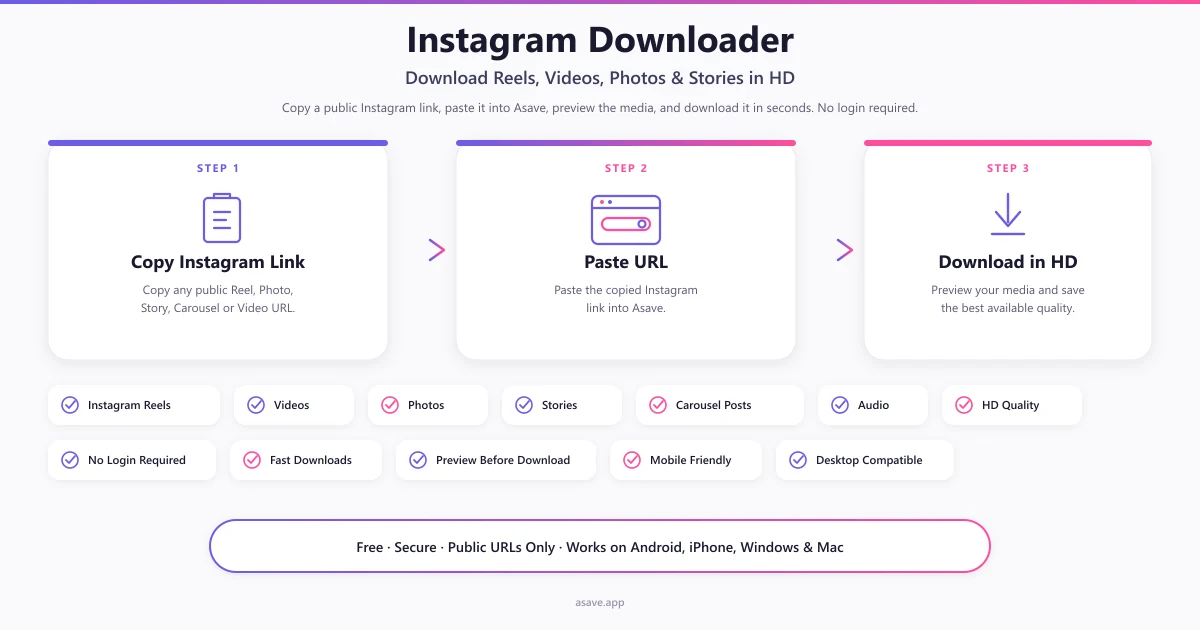
How Asave works: copy a public Instagram link, paste the URL, preview the media, then download reels, videos, photos, carousels, and audio — no login
Three-step Instagram downloader workflow on Asave.

Common questions

See every FAQ entry →

Who runs this

Asave sits outside Meta's product family. Editorial guides, privacy wording, and takedown handling are maintained here on purpose. Read the project brief, Privacy Policy, Terms of Service, and DMCA policy—or send a direct note.